Edit at the speed of thought.
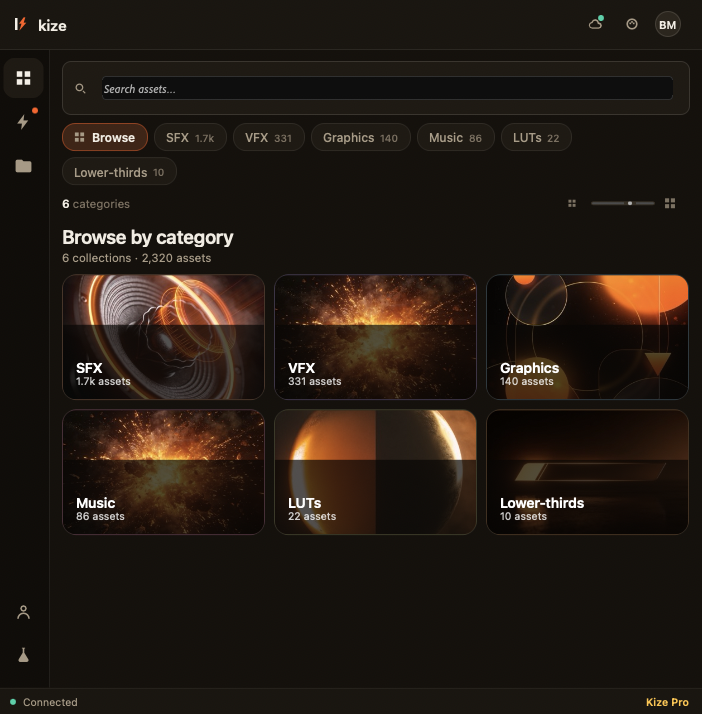
Kize is the premium asset library and AI automation layer that lives inside Premiere Pro. 12,000+ transitions, presets, VFX & SFX — plus tools that do the busywork, so you create more and grind less.
Raw footage in. Finished cut out.
Drop your clips, hit one button, and watch Kize rough-cut, sync and caption in seconds. Here's the 60-second version.
You became an editor to tell stories — not to hunt for transitions.
Kaizen (改善) is the art of getting better by removing wasted effort. Kize brings it to Premiere Pro: every repetitive, time-killing task gets faster, so your energy goes where it matters — the craft.
Your whole asset library, one search away.
12,000+ premium transitions, templates, presets, VFX and SFX — curated, royalty-free, and drag-and-drop straight onto your timeline. No more tab-hopping or sketchy downloads.
- Transitions, presets, title templates, LUTs
- Cinematic VFX & a full SFX library
- New drops every month, included
Automation that respects your timeline.
The repetitive stuff — gone. Sync audio, apply a whole look in one click, batch-rename, and export every platform format at once. Flow does the grunt work while you stay in the edit.
- One-click looks & color match
- Beat-sync cuts to music
- Batch export for every platform
The intelligence that earns the .ai.
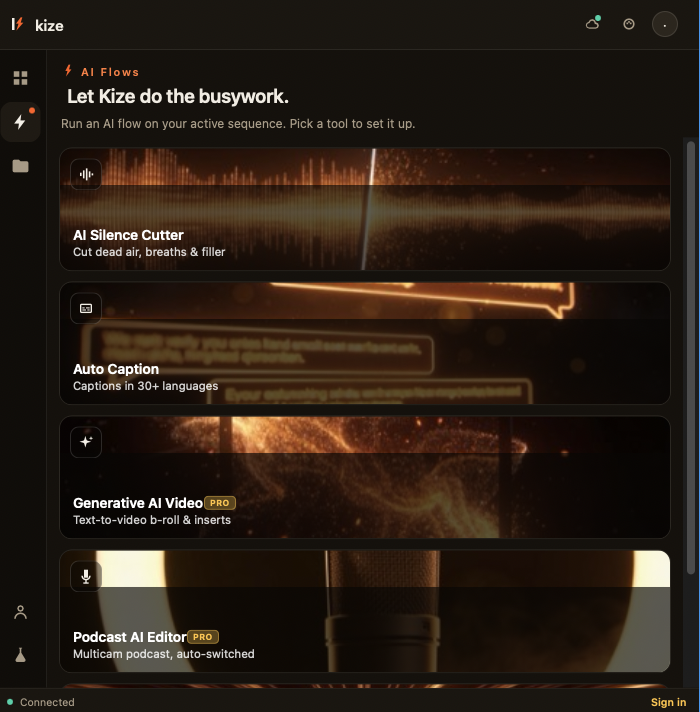
Hand Kize the raw footage and get a rough cut back in seconds. Auto-caption in 30+ languages, find any clip by describing it, and remove silences and filler automatically.
- AI rough-cut & silence removal
- Auto-captions in 30+ languages
- Describe-to-find clip search
Everything you reach for, in one panel.
 Transition0:18
 Preset · LUT—
 VFX0:04
 SFX0:02
Installed in a minute. Faster forever.
Install the panel
Add Kize to Premiere Pro in one click. It lives right next to your timeline — no exporting, no round-trips.
Drag, drop, or prompt
Browse 12,000+ assets, drag what you need, or just tell Kize AI what you want and let Flow do the rest.
Ship it
Batch-export every format your platforms need. What used to take an afternoon now takes a coffee break.
Let Kize do the busywork.
One click on your timeline: cut silences, breaths and filler words, auto-caption in 30+ languages, sync multicam, or generate b-roll. The tedious passes finish in seconds — you stay on the story.
Try the AI flows — free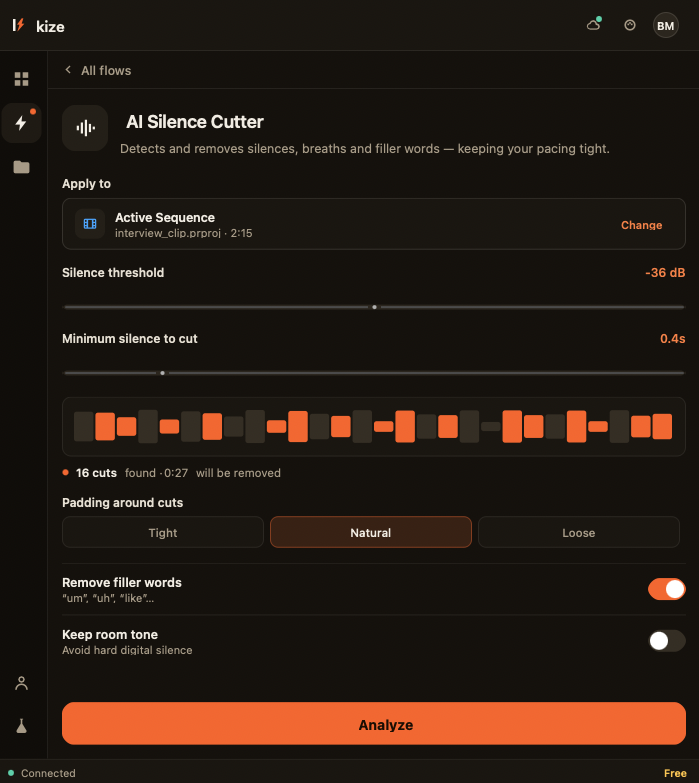
Start free. Upgrade when Kize pays for itself.
Which it will — usually in the first project. Cancel anytime.
- 500 starter assets
- Core Flow tools
- 3 AI actions / day
- All 12,000+ assets + monthly drops
- Full Flow automation suite
- Unlimited Kize AI
- Commercial license
- Everything in Pro, 5 seats
- Shared team libraries & presets
- Brand kits & priority AI
Good questions.
Does Kize work inside Premiere Pro?
Are the assets royalty-free?
What exactly does Kize AI do?
Will it slow Premiere down?
Can I cancel anytime?
Edit at the
speed of thought.
Join 12,000+ editors who got their evenings back. Free to start — add Kize to Premiere in under a minute.